OBSCURA
Hours of footage. One clip worth keeping.
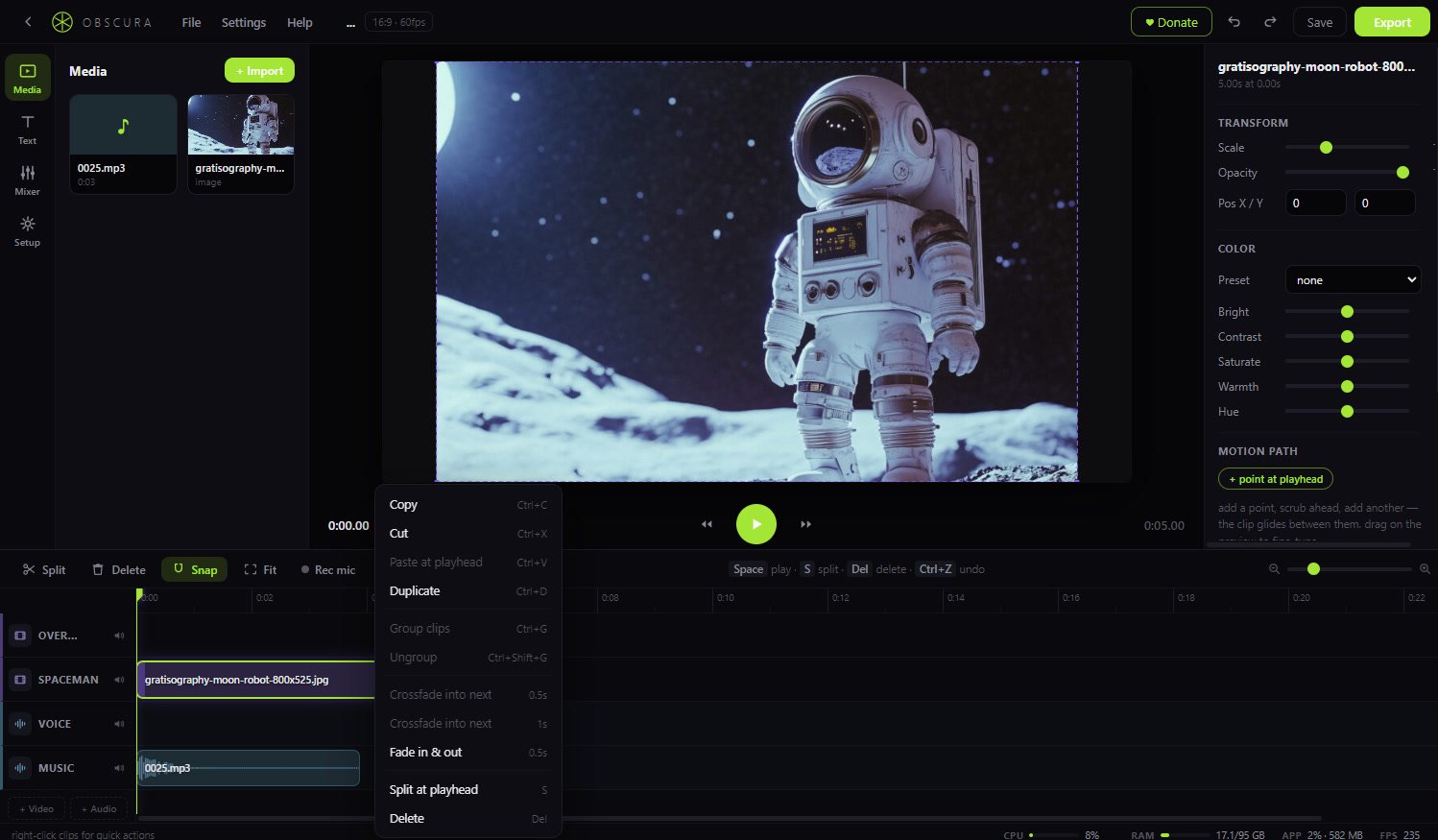
Cut on a multi-track timeline — footage, facecam, voice, and music, each on its own layer. Split, trim, and rearrange in seconds.
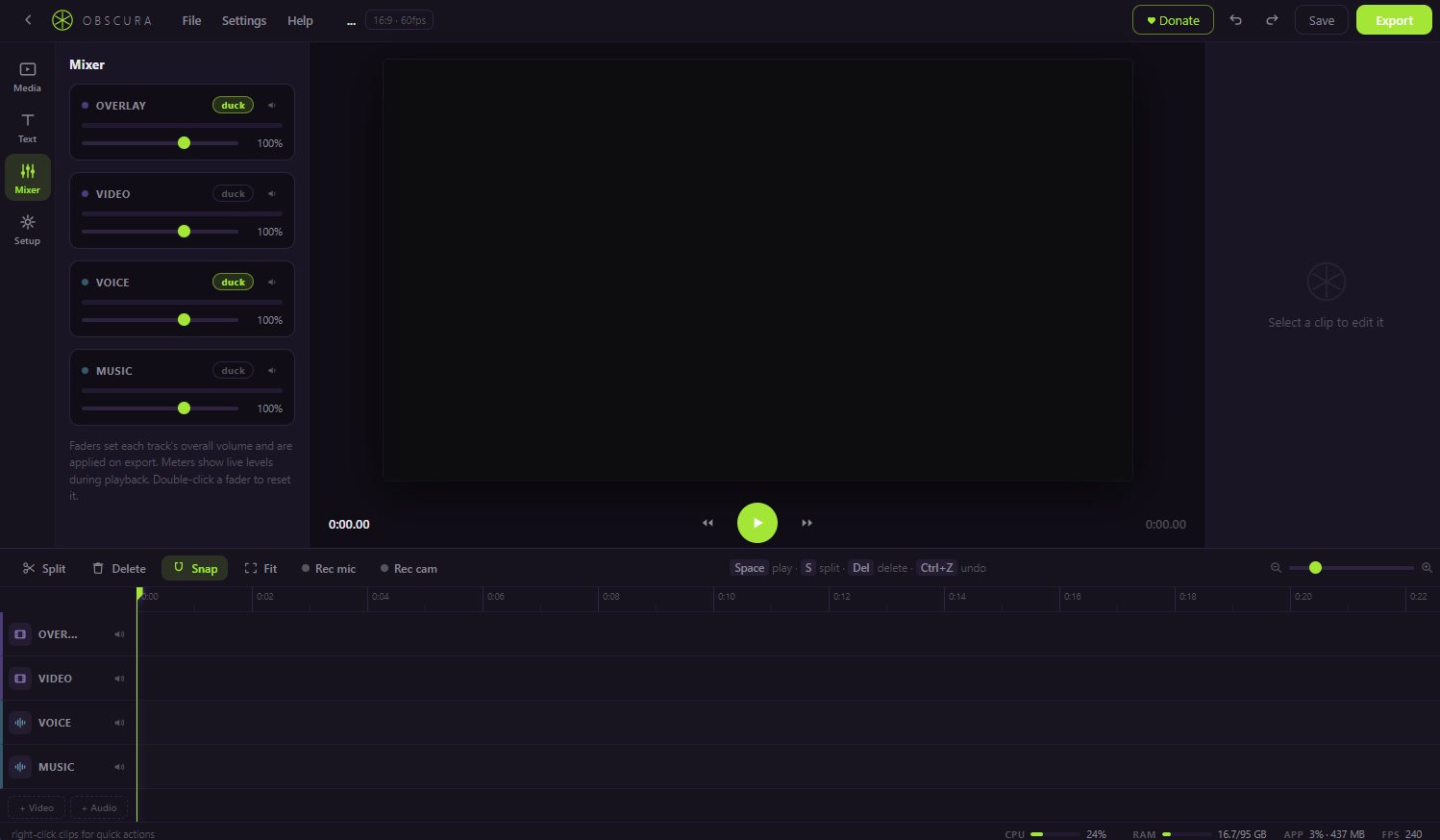
Balance the sound with live faders and meters. Add titles, crossfades, and speed ramps from 25% to 400%, with pitch preserved.
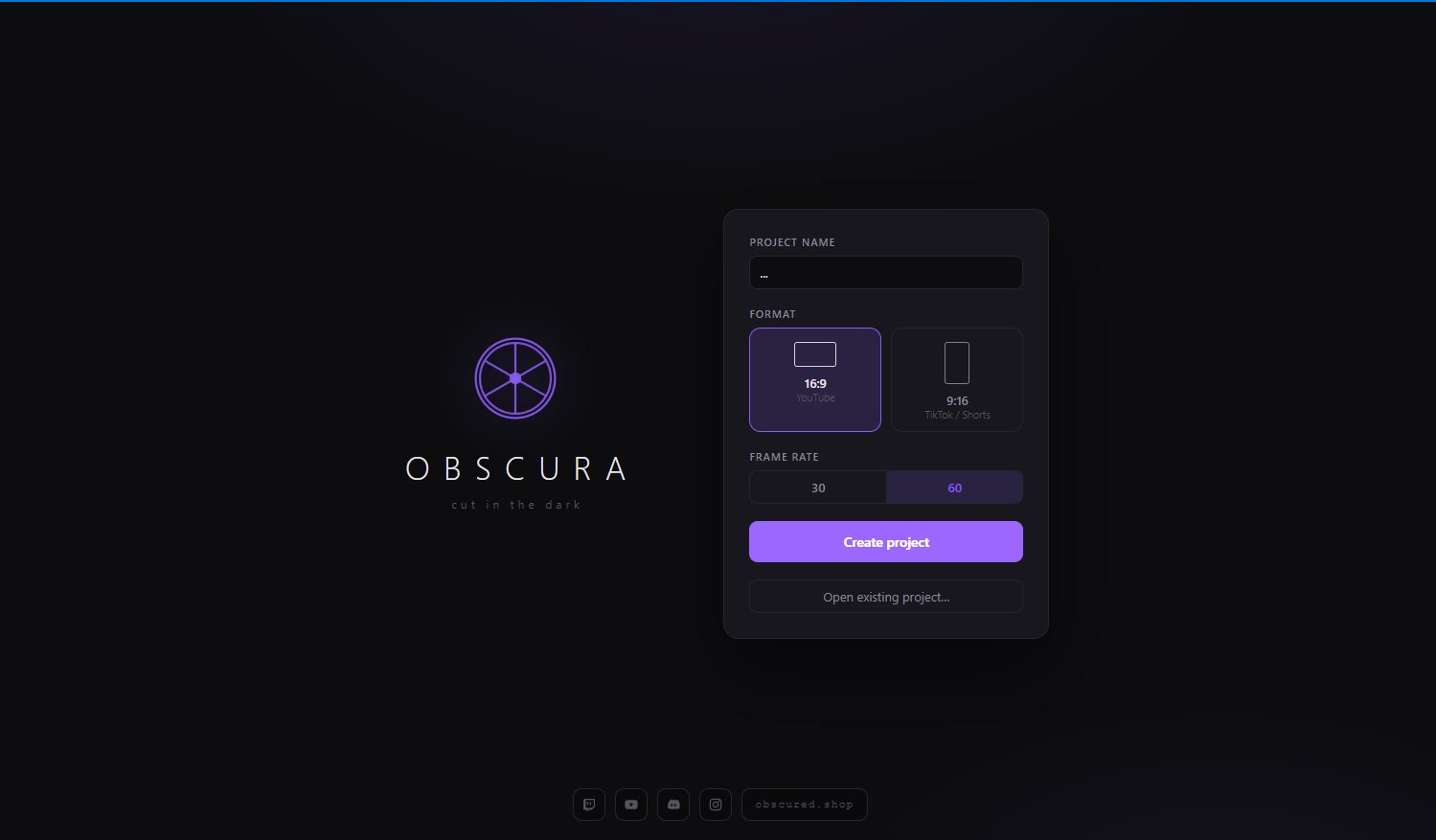
Export fast — one click for YouTube 1080p or 4K, one for vertical TikTok and Shorts. Everything renders on your machine: no upload, no queue, no watermark.
Unlimited tracks
Stack footage, facecam, voice, and music. Add overlay tracks in one click and rename them to match your setup.
Auto-captions
Right-click a clip and the speech becomes editable caption clips — transcribed offline, on your machine.
Live mixer & auto-duck
Per-track faders and meters, pan and 3-band EQ per clip, and auto-duck that dips the music whenever you speak.
Speed control
25%–400% per clip with pitch preserved. Slow the big moment down; skim past the slow parts.
Grading & keyframes
Filmic presets or hand grading, adjustment layers, and keyframes for scale, opacity, position, and volume.
Export anywhere
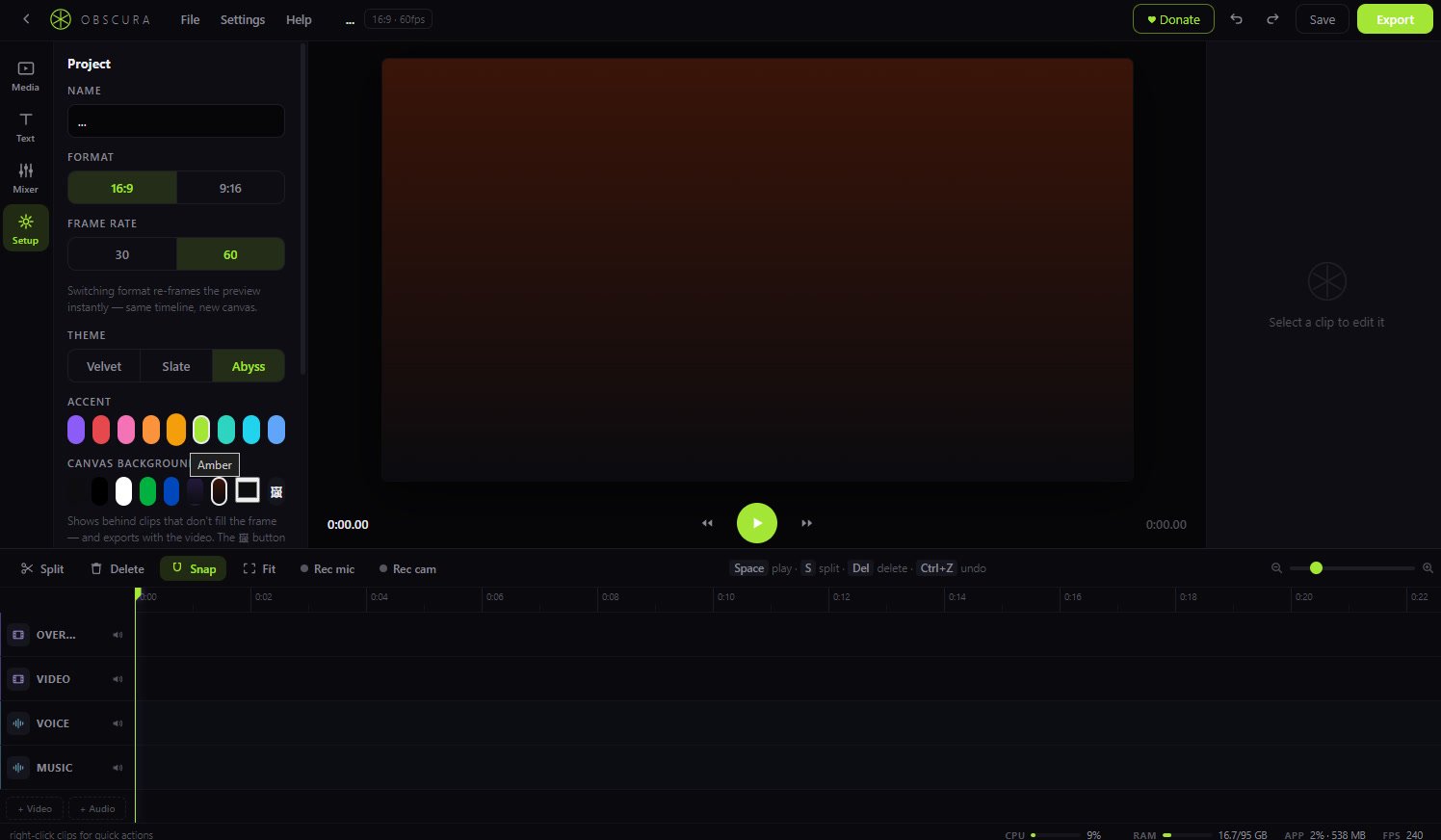
YouTube 1080p/4K, vertical TikTok/Shorts, looping GIFs, or full custom resolution, frame rate, and bitrate.

Disk: about 800 MB free space · Internet: not required — editing and export are fully offline
Engines: nothing to install — H.264/AAC encoding ships in the box; auto-captions fetch a 75 MB speech model on first use